Leveraging Containerization Techniques for Streamlined Deployment of Niche Productivity Applications Across Multiple Operating Systems
Hugo Fischer · Aug 23, 2026
Leveraging Containerization Techniques for Streamlined Deployment of Niche Productivity Applications Across Multiple Operating Systems
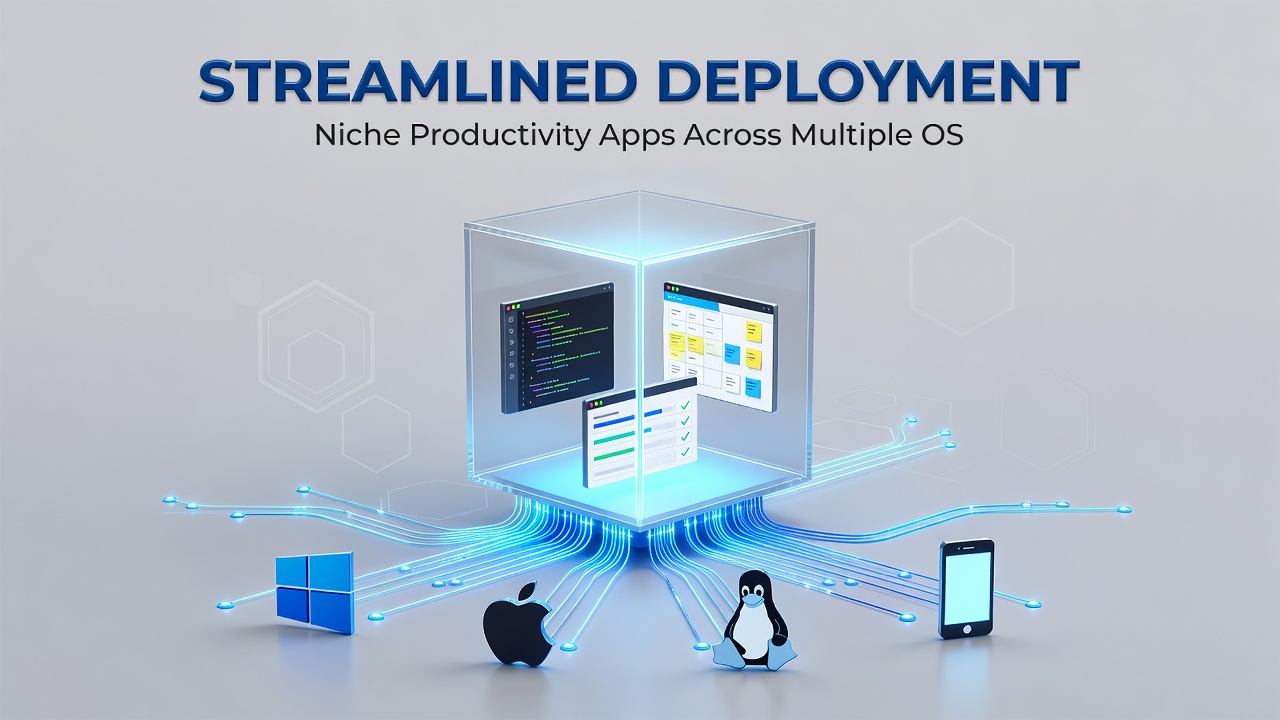
Containerization packages applications with their dependencies into isolated units that run consistently across different operating systems, and this approach has gained traction for deploying specialized productivity tools that serve particular professional workflows. Developers package niche software such as custom note-taking systems for researchers or specialized data-visualization utilities for analysts into containers that function identically whether the host machine uses Windows, macOS, or Linux distributions.
Core Principles of Container Technology
Containers operate through lightweight virtualization layers that share the host kernel while maintaining separate user spaces, which differs from traditional virtual machines that emulate full hardware stacks. Docker and Podman represent the primary runtime environments that handle image creation, distribution, and execution, while orchestration platforms like Kubernetes manage scaling and networking when multiple containers interact. Observers note that these tools allow developers to define environment variables, network ports, and volume mounts in declarative files so that the same configuration produces matching results on any compatible host.
Advantages for Niche Productivity Software
Specialized applications often require particular library versions or runtime configurations that conflict with standard operating-system packages, yet containers isolate these requirements and prevent interference with other installed software. Research indicates that teams deploying tools for fields such as academic literature management or niche graphic-design plugins report fewer compatibility incidents after adopting container-based distribution. Data from industry reports shows reduced support tickets when users receive pre-built container images rather than installation scripts that must account for every possible system configuration.
Cross-Operating-System Deployment Patterns
Multi-architecture container images built for amd64, arm64, and other processor families enable the same application binary to execute on Intel-based laptops and ARM-powered tablets without recompilation. Developers use build tools that automatically produce manifests listing supported platforms, so end users on any major desktop or server operating system pull the appropriate variant automatically. According to NIST guidelines on application container security, organizations achieve consistent security posture when containers enforce the same runtime policies regardless of the underlying host operating system.
Implementation Workflow
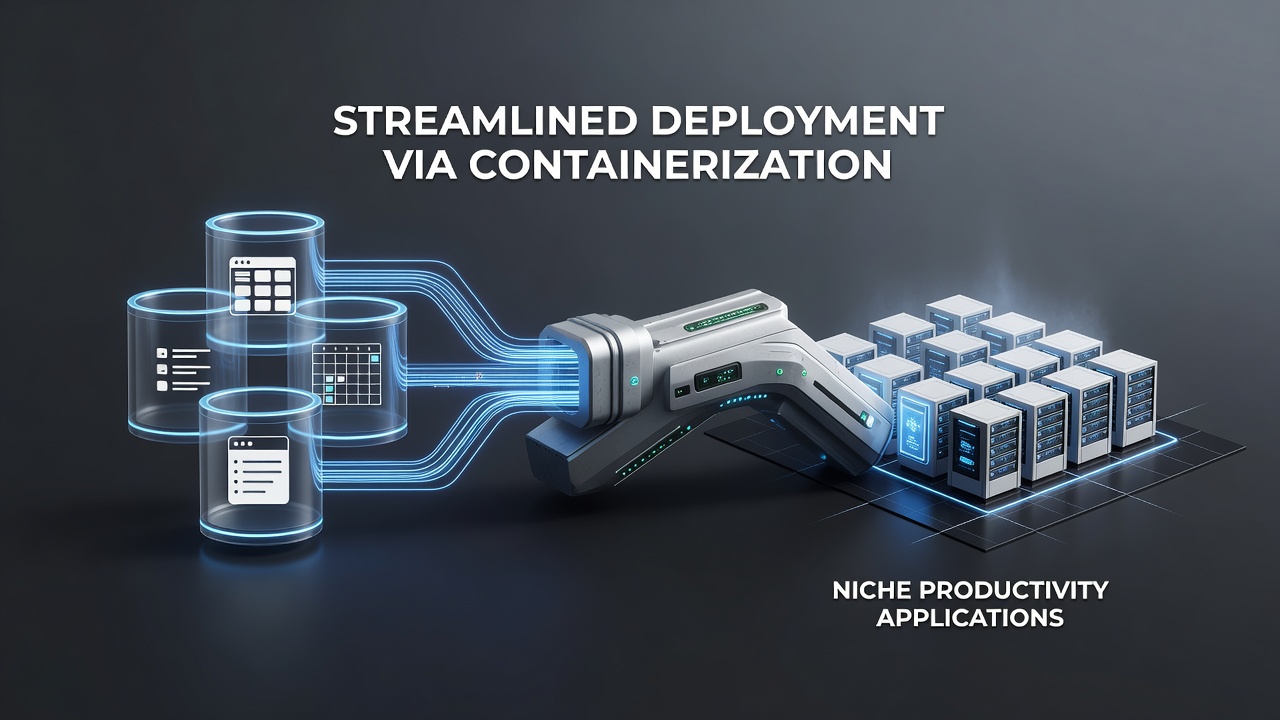
Teams begin by writing a Dockerfile or Containerfile that specifies base images, dependency installation commands, and entry-point scripts, then build the image once and push it to a registry such as Docker Hub or a private repository. End users or automated deployment pipelines pull the image and run it with volume mounts that connect container storage to local folders, preserving user data across sessions. In August 2026 Docker introduced enhanced multi-platform build caching that reduced image creation times for teams maintaining separate variants for different processor architectures, allowing faster iteration on productivity tools targeted at mobile professionals.
Security and Compliance Considerations
Container images undergo vulnerability scanning before distribution, and runtime policies restrict network access and file-system permissions to limit potential exposure. Studies from the European Union Agency for Cybersecurity demonstrate that organizations adopting signed container images and runtime attestation mechanisms experience measurable decreases in unauthorized code execution incidents. Those who maintain separate base images for different compliance regimes can update one image and propagate changes across all supported operating systems without rewriting deployment scripts.
Integration with Existing Infrastructure
Container runtimes integrate with continuous-integration pipelines so that code changes trigger automatic image rebuilds and tests across multiple host operating systems before release. Productivity applications that rely on cloud storage or external APIs receive environment-specific configuration through secrets-management tools, keeping credentials out of the container image itself. Observers note that this separation simplifies audits because configuration files remain outside the immutable container layers.
Conclusion
Containerization supplies a repeatable mechanism for packaging and distributing specialized productivity applications that must operate across heterogeneous operating-system environments. Standardized image formats, automated build pipelines, and security-scanning practices allow developers to maintain one codebase while delivering consistent experiences to users on Windows, macOS, and Linux systems. As container tooling continues to evolve, deployment processes for niche tools become more predictable and less dependent on individual machine configurations.